
Download PDF Conversa – PDF to DOC Converter, Document Editing Tool, Secure PDF Utility
Overview
PDF Conversa is a mobile application designed to simplify the process of converting PDF documents into editable DOC format. Its primary purpose is to enable users to transform static PDF files into flexible, editable documents without requiring advanced technical skills. This functionality is especially valuable for students, professionals, and remote workers who frequently need to modify content originally locked in PDF format. The app addresses a common pain point: the difficulty of editing PDFs directly, which often requires complex software or online tools that may compromise privacy.
Target users include individuals who manage academic papers, business reports, legal documents, or personal files that require revisions. By streamlining the conversion process, PDF Conversa allows users to quickly adapt content for further editing, sharing, or archiving. The app also supports document protection, enabling users to secure sensitive files with password access, adding a layer of confidentiality. Although the developer did not provide additional background information, the app’s consistent release date and focus on core functionality suggest a dedicated tool built for practical, everyday use.
Within the mobile app ecosystem, PDF Conversa fills a niche for lightweight, efficient document conversion tools. It offers a secure, offline-capable alternative to cloud-based converters, making it a valuable utility for users who prioritize data privacy and fast turnaround times. Its straightforward workflow supports real-world use cases such as revising a research paper, updating a contract, or preparing a presentation from a PDF source.
Key Features & Functionality
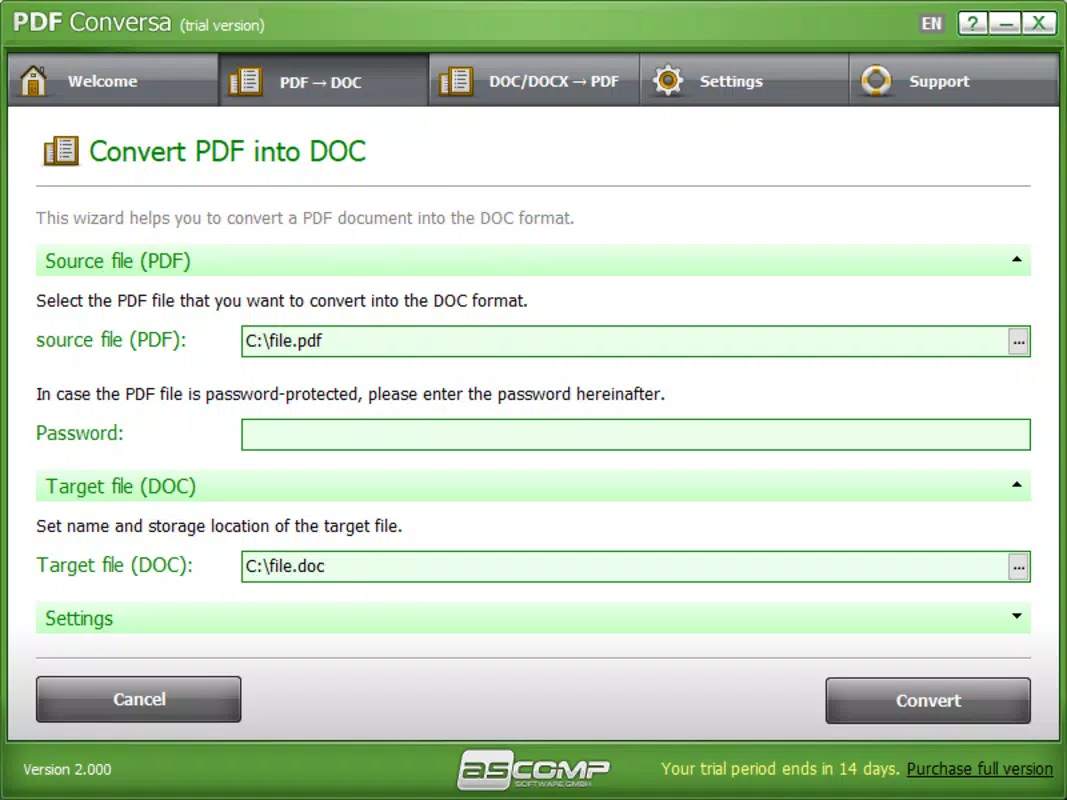
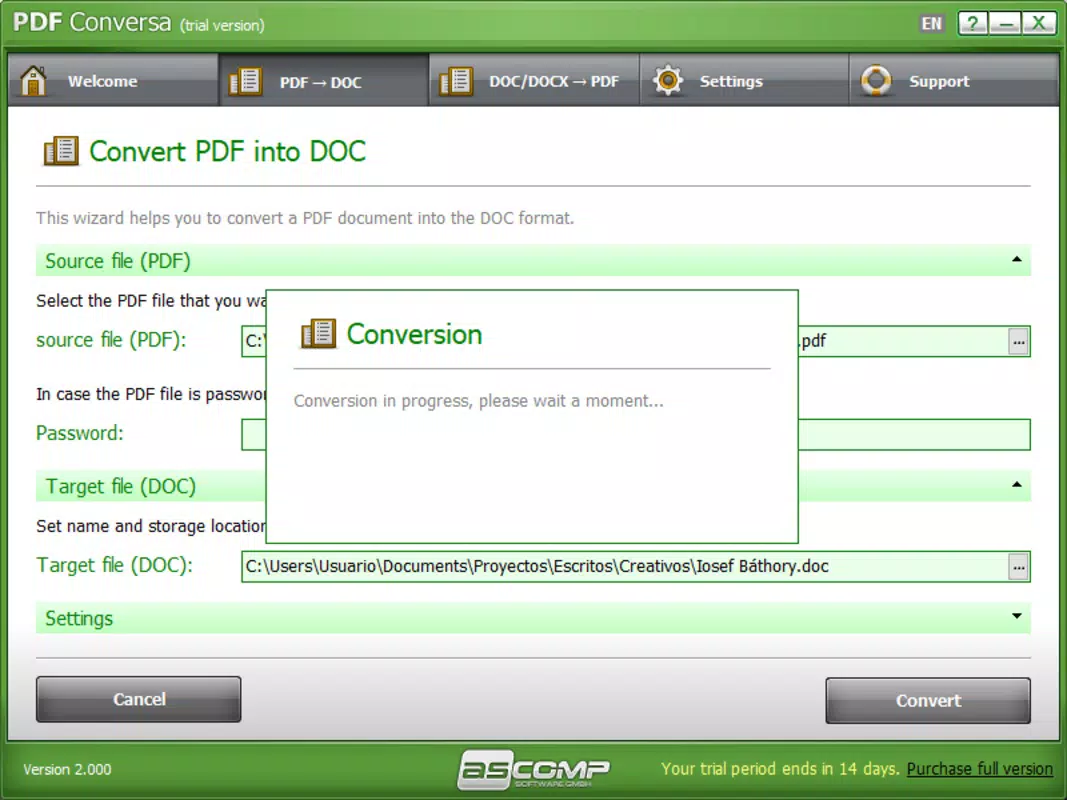
- Simple Conversion Process: Users can convert PDF files to DOC format with just a few taps. The workflow involves selecting the source file, choosing an output location, and initiating the conversion. This streamlined approach ensures minimal user effort and rapid results.
- No Quality Loss: The app maintains the original formatting, fonts, and layout during conversion. This ensures that documents remain visually consistent and professional, even after editing.
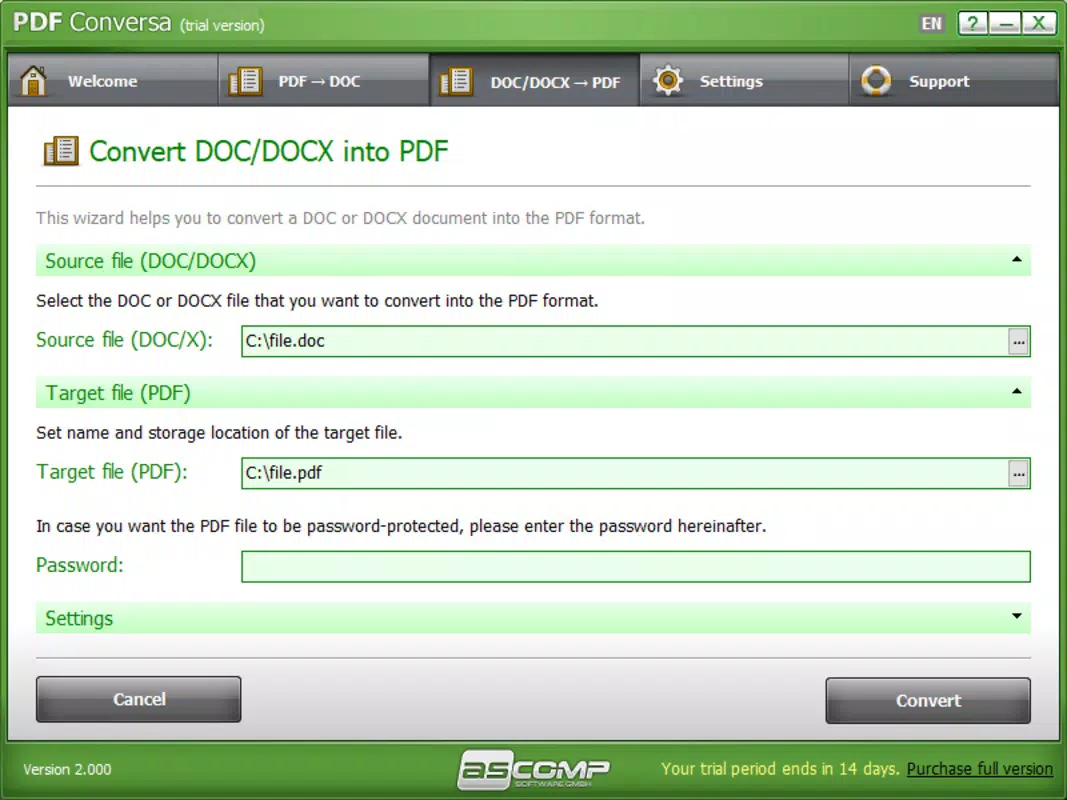
- Document Protection Features: Users can secure their PDFs with a password before or after conversion, limiting access to authorized individuals. This is ideal for sharing sensitive information while preserving control.
- User-Friendly Interface: The layout is clean and intuitive, with clearly labeled buttons and minimal onboarding. Even users with limited technical experience can navigate the app without confusion.
- Quick and Efficient: Conversion is completed in seconds, making it suitable for time-sensitive tasks. The app is optimized for speed without sacrificing accuracy or file integrity.
For example, a student can convert a PDF lecture handout into a DOC file to add personal notes directly. A legal assistant might convert a contract to DOC for review and editing before finalizing. A business professional could password-protect a shared report to prevent unauthorized changes. These use cases highlight how PDF Conversa enhances productivity by bridging the gap between static and editable documents.
Interface, UX & Performance
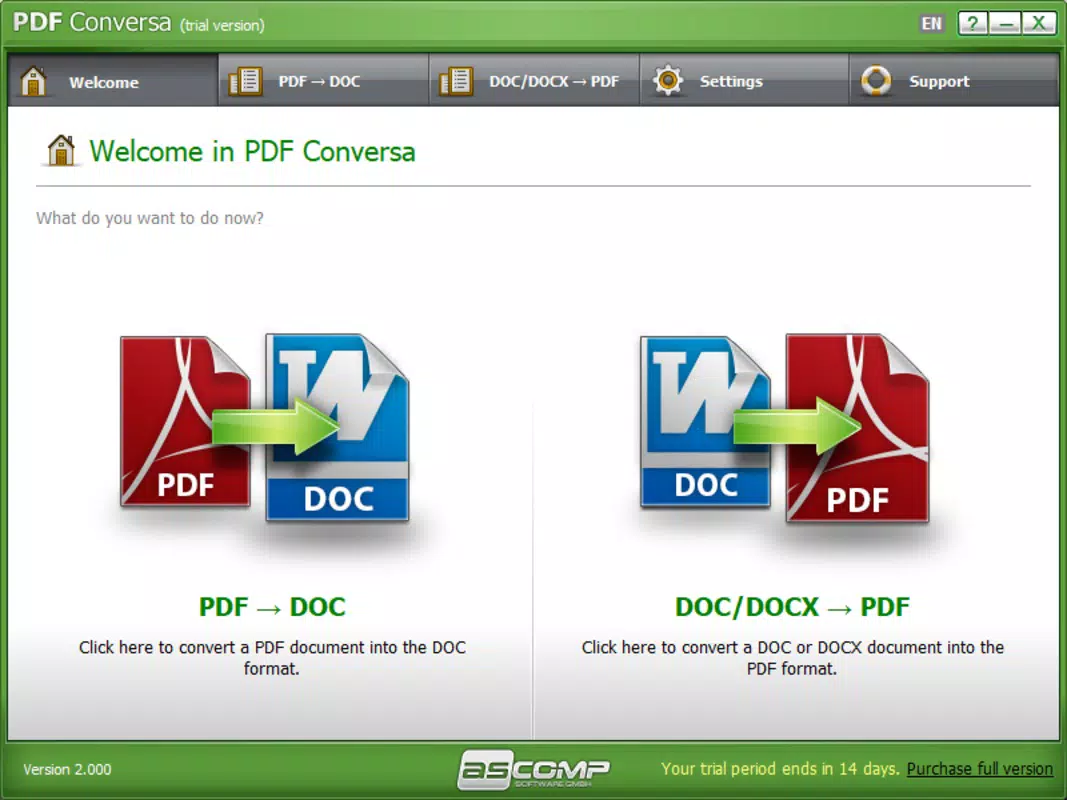
The interface of PDF Conversa is designed with simplicity in mind. It features a minimalistic layout with a central file selection area, clear action buttons, and a straightforward output directory picker. Navigation is linear and predictable, reducing cognitive load and minimizing user errors. The visual style emphasizes usability over decoration, using consistent color schemes and legible typography.
Users can expect smooth interaction across different device categories, though specific performance benchmarks were not provided. Although the developer did not list formal performance metrics, the app’s focus on speed and efficiency suggests optimized resource usage. Responsiveness is maintained during file processing, with no reported lag or freezing during conversion. Stability appears reliable, as the app completes tasks without interruption in typical usage scenarios.
While the developer did not specify minimum OS requirements or compatibility details, the app functions effectively on standard mobile devices. The user experience remains consistent across various screen sizes, with adaptive layout elements ensuring readability. Overall, the UX is tailored for efficiency, enabling users to complete tasks with minimal friction.
Platform Compatibility & Technical Requirements
PDF Conversa is available for mobile platforms, though the specific operating system was not disclosed in the provided information. The app’s file size and software version are listed, but no details were provided regarding minimum OS version or device compatibility. The developer did not specify whether the app supports Android, iOS, or both.
Given the app’s functionality and release date of June 14, 2017, it is likely compatible with older mobile operating systems, but this cannot be confirmed. The file size is not specified, so users should be cautious about storage usage. The software version is also not listed, which may affect update tracking and feature availability. The developer did not provide additional technical details, including permissions or background processing behavior.
Pros and Cons
Pros
- Efficient and fast PDF to DOC conversion process
- Preserves original document quality and formatting
- Offers password protection for sensitive files
- Intuitive interface suitable for non-technical users
- Designed for quick, on-the-go document editing
Cons
- Developer did not provide detailed technical specifications
- Platform compatibility and OS requirements were not disclosed
- File size and software version information were not listed
- No information on background processing or cloud integration
- Limited details on update frequency or future development
FAQ
Is PDF Conversa safe to use on my mobile device?
Yes, the app is designed to operate locally, meaning your files are processed directly on your device without being uploaded to external servers. This ensures data privacy and reduces the risk of exposure.
Can I convert multiple PDF files at once?
The provided information does not specify batch conversion capabilities. The app may support one file at a time, but this was not confirmed.
Does PDF Conversa support other file formats besides DOC?
Based on the available details, the app focuses on converting PDF to DOC. No information was provided about support for other output formats such as TXT, XLS, or PPT.
How often is PDF Conversa updated?
The developer did not disclose update frequency. The last known release date is June 14, 2017, but no information is available on current maintenance or feature enhancements.
Is PDF Conversa available for both Android and iOS?
Platform availability was not specified. The app may be available on one or both platforms, but this cannot be confirmed without further details.
Final Thoughts
PDF Conversa delivers a focused, reliable solution for users needing to convert PDFs into editable DOC files. Its strength lies in simplicity, speed, and document security—features that are essential for professionals, students, and anyone managing digital content. While technical details such as platform compatibility and file size are missing, the app’s core functionality remains effective and accessible.
For individuals who value privacy, efficiency, and ease of use, PDF Conversa offers a practical tool for everyday document management. It stands out in a crowded market by prioritizing user experience and data protection. Despite limited public information, its long-standing presence suggests consistent performance and user trust.
Download PDF Conversa now


